This script will prompt the user to enter a computer name and then get the last 3 events that has the Event ID 1074 and 1076. This will tell us the reason why and when the computer was restarted. This will also work with the legacy CMD Get-EventLog

 KennyL System Admin
This script will prompt the user to enter a computer name and then get the last 3 events that has the Event ID 1074 and 1076. This will tell us the reason why and when the computer was restarted. This will also work with the legacy CMD Get-EventLog

First, login to Azure Portal with an account that has the permission to create a user account. Go to Azure Active Directory service. Doing it from the portal is quite straight Forward. You can either create a user or invite an external user to join as a guest user. Fill in the required fields: User […]
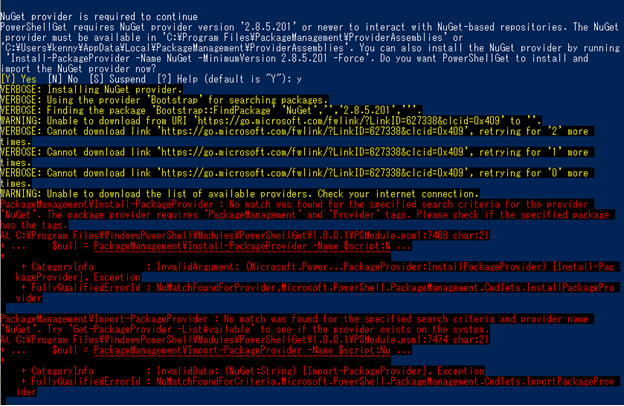
NuGet Provider, AzureAD and TLS 1.2

Preparing SCVMM for Citrix PVS server
Setting up DHCP server

Force kill a VM instance

Troubleshooting Windows Search Service + Citrix Ghost sessions.

Adding a Static Route

How to Create a template for easy VM deployment and skipping the OS installation.

A guide to setup automatic email / SMS reminder with Gmail and PowerShell.

 KennyL System Admin